My design system approach relies on Figma. I use its many features to build sometimes a design kit destined to be used on a small product, sometimes a design system destined to be used on several large products. My methodology comes from atomic design principles, but I have adapted them to fit my needs and practices.
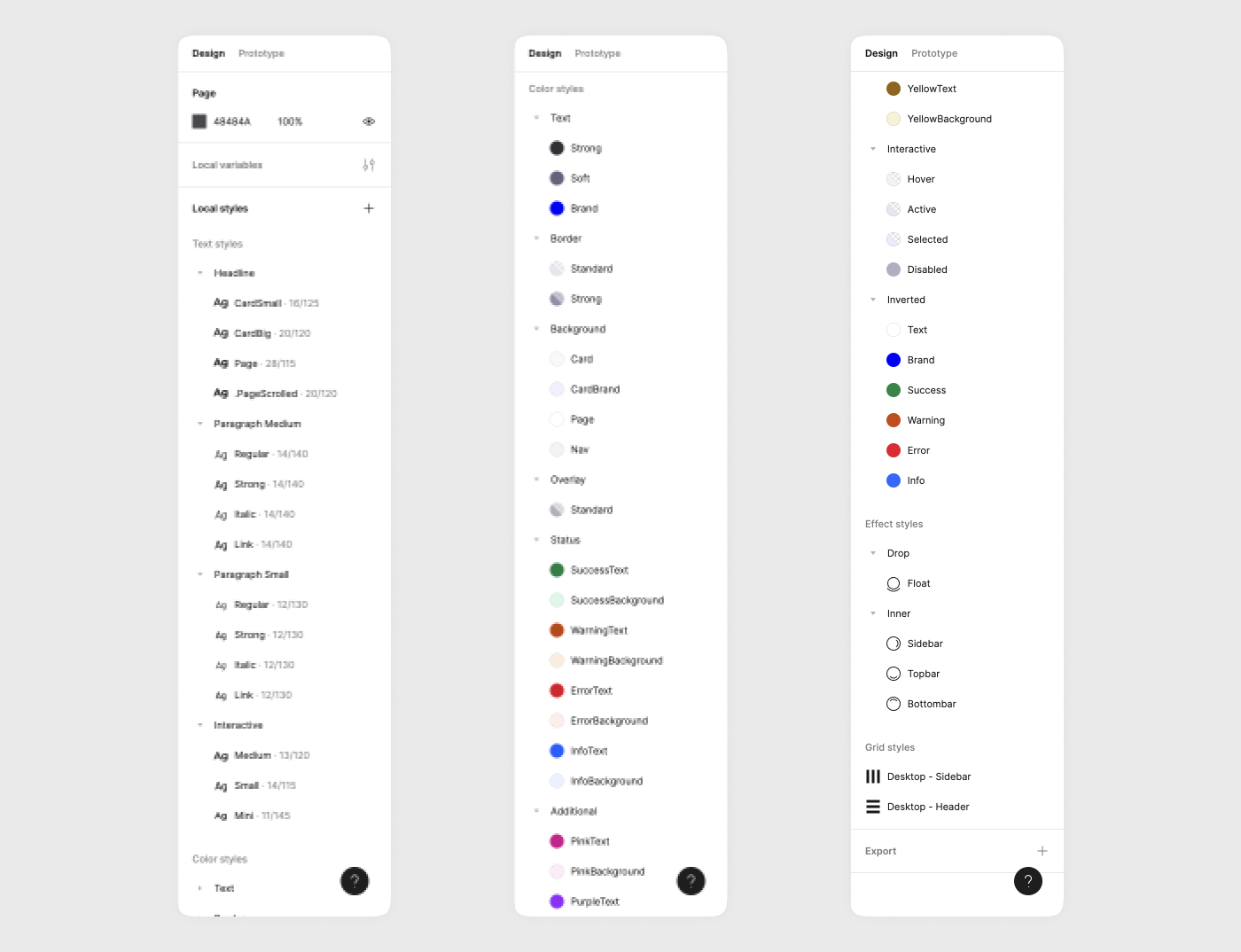
- Styles : the most basic building blocks of this large Lego set. They store text, colours, shadows and grids.
- Variables : Figma's latest addition ! They are used for easy swapping notions (colours, text strings, numbers, booleans), and are highly useful for themes (like dark mode) and higher-fidelity prototypes.
- Components and variants : the most common constructions of this large Lego set, they are used in different situations (buttons, menus, tables...)
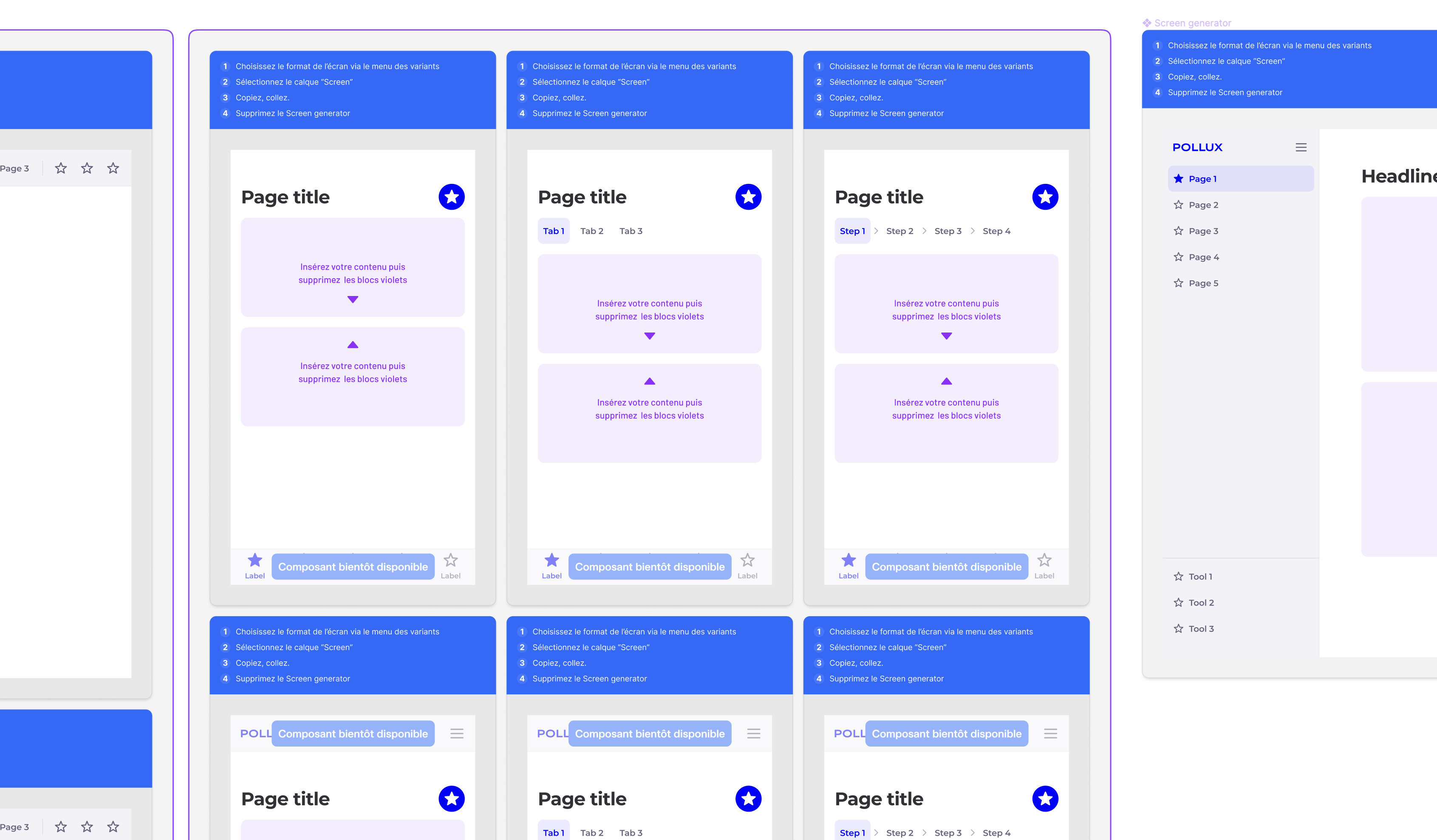
- Templates : my addition to Cobalt, Docaposte's larger design system. When using a DS on several products with related users and goals, pages and flows templates help build design in minutes !
- Micro-interactions : adding prototyping preferences and settings to components add an interactive feel to prototypes and help reducing the distance that a rigid prototype could create with a user.
- Dev : without personally working on dev, I teamed with Louis Marcos, Cobalt's lead design system designer, and witnessed how to build and share React and Angular libraries.
Using a design system makes designing faster, as it procures a kit of building blocks to design with. But it also helps front-end development when used with a developed library. Thus, any modifications needs to be studied and built carefully with design and dev team.
Logically, communication is the other big part of using a design system. Either by being part of the design system team or by frequently meeting them, it improves design and dev quality.